How to Set Up Online Ordering for Your Restaurant in Ghana
A step-by-step guide to launching online ordering for your restaurant, cafe, or food business in Ghana using Yemame Serve — no app development or tech skills required.
How to Set Up Online Ordering for Your Restaurant in Ghana
Your customers are already on their phones. They're scrolling Instagram for food inspiration, texting friends about where to eat, and — increasingly — expecting to order before they even leave the house.
But if your restaurant still requires a phone call or a walk-in to place an order, you're losing business to competitors who've made it easier.
The good news? Setting up online ordering in Ghana doesn't require building an app, hiring a developer, or signing an expensive contract. With Yemame Serve, you can be live in under an hour.
Here's exactly how to do it.
Why Online Ordering Matters for Ghana Restaurants
Let's be honest about the landscape:
- Traffic in Accra alone makes picking up food a 30-60 minute ordeal
- Lunch breaks are short — office workers want food ready when they arrive
- Weekend orders spike but phone lines get jammed during peak hours
- Young Ghanaians (18-35) overwhelmingly prefer digital ordering
A 2025 study across West African markets found that restaurants offering online ordering saw 23% higher average order values compared to walk-in only. Why? Because customers browse the full menu at their own pace, add extras, and don't feel rushed.
The Old Way vs. The New Way
Phone ordering problems:
- Staff tied up answering calls during rush hour
- Miscommunication on customizations ("I said NO onions!")
- No record of the order if disputes arise
- Can't handle more than one order at a time
Online ordering with Yemame Serve:
- Customers order from their phone, anytime
- Every customization is clearly documented
- Orders queue automatically — no bottlenecks
- Handle 50 orders simultaneously without extra staff
Step 1: Set Up Your Digital Menu
Your menu is the foundation of online ordering. With Yemame Serve, you create it once and it works everywhere — on your website, as a QR code in-store, and as a shareable link on WhatsApp.
Organize by Category
Structure your menu the way customers think:
- Mains: Jollof rice, banku & tilapia, waakye, fried rice
- Sides: Kelewele, plantain, coleslaw, extra protein
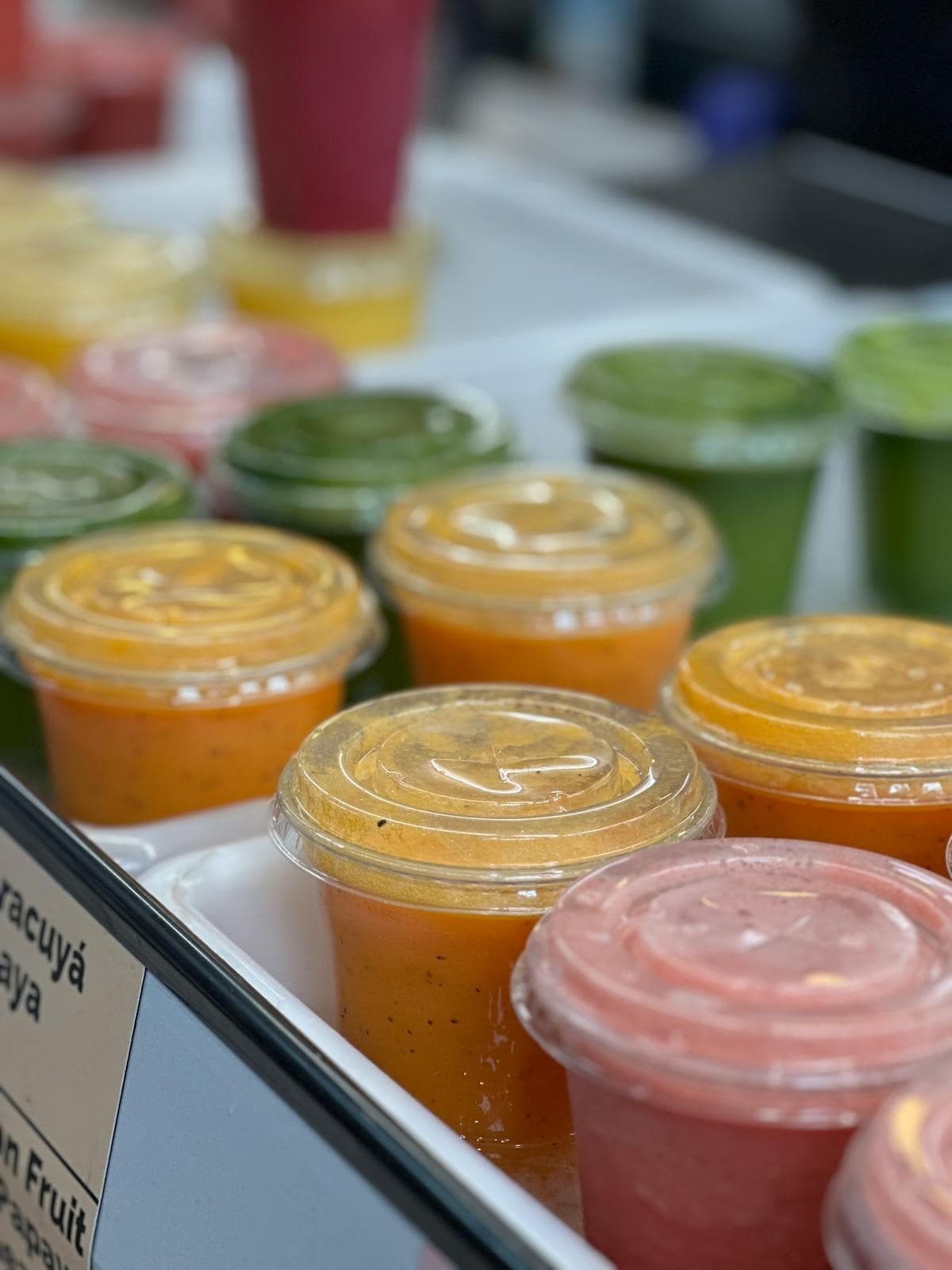
- Drinks: Fresh juices, smoothies, soft drinks, water
- Specials: Daily specials, combo deals, weekend-only items
Add High-Quality Photos
This is non-negotiable. Menus with photos get 30% more orders than text-only menus. You don't need a professional photographer — a smartphone with good lighting works. Take photos near a window during the day for natural light.
Set Up Customizations

This is where Yemame Serve shines compared to generic solutions. For each item, define:
- Required choices: "Select your protein" (chicken, fish, beef, goat)
- Optional add-ons: "Extra sides" (plantain +GH₵5, egg +GH₵3)
- Special instructions: Free-text field for allergies or preferences
- Spice levels: Mild, medium, hot, extra hot
Every customization flows directly to your kitchen — no miscommunication.
Step 2: Configure Your Ordering Settings
Set Operating Hours
Define when you accept orders:
- Breakfast: 7:00 AM – 10:30 AM
- Lunch: 11:30 AM – 3:00 PM
- Dinner: 5:30 PM – 9:30 PM
Customers can only order during active hours. Outside those times, they can browse your menu but the order button is disabled — no confusion, no disappointed customers.
Choose Order Types
Decide what you want to offer:
- Pickup: Customer comes to collect (most popular in Ghana)
- Dine-in: Customer orders ahead, eats at your restaurant
- Delivery: If you have your own riders or use a delivery service
Start with pickup only — it's the simplest to manage and has zero delivery logistics.
Set Preparation Times
Be realistic. If your jollof takes 25 minutes, say 25 minutes. Customers would rather see an honest wait time than show up and wait unexpectedly.
Yemame Serve lets you set different prep times for:
- Individual items (complex dishes take longer)
- Peak hours (add 10 minutes during lunch rush)
- Order size (large orders automatically get more time)
Step 3: Share Your Online Menu
This is where it gets exciting. You now have multiple ways to reach customers:
WhatsApp Sharing
Ghana runs on WhatsApp. Share your ordering link:
- In your business WhatsApp status (reaches all contacts)
- In customer WhatsApp groups
- As an auto-reply to "What's on your menu?" messages
- In your WhatsApp Business profile
QR Code In-Store
Print your QR code and place it:
- On every table (for dine-in pre-ordering)
- At the counter (skip the verbal order)
- On your door/window (passersby can browse)
- On takeaway packaging (repeat orders)
Social Media
Add your menu link to:
- Instagram bio
- Facebook page
- Google Business Profile
Step 4: Manage Incoming Orders
When an order comes in, Yemame Serve shows you:
- Customer name and phone number
- Exact items with all customizations
- Order type (pickup, dine-in, delivery)
- Requested time
- Payment status
The Order Flow
- Order received → Notification on your device
- Accept order → Customer gets confirmation with prep time
- Start preparing → Status updates automatically
- Ready for pickup → Customer gets notified
- Completed → Order saved to your records
Handling Rush Hours
During peak times, you can:
- Pause new orders temporarily if kitchen is overwhelmed
- Extend prep times so customers have realistic expectations
- Limit order slots per time window
This prevents the #1 problem with online ordering: promising what you can't deliver.
Step 5: Optimize Based on Data
After your first week, Yemame Serve gives you insights that phone orders never could:

- Most ordered items: Know what to prep in bulk
- Peak ordering times: Staff accordingly
- Average order value: Track if it's growing
- Customization patterns: "80% want extra pepper" — make it the default
- Repeat customers: Your loyal base is forming
Quick Wins in Week 1
- Highlight best-sellers at the top of your menu
- Create combo deals based on what people order together
- Adjust prep times based on actual kitchen performance
- Take better photos of your most popular items
Common Concerns (And Honest Answers)
"My customers aren't tech-savvy enough." If they use WhatsApp, they can order online. Yemame Serve is designed to be as simple as sending a message. No app download required — it works in any web browser.
"I'll lose the personal touch." You won't. You'll actually gain time to be more present with dine-in customers instead of being stuck on the phone taking orders. Many restaurants find their in-store experience improves after adding online ordering.
"What about customers without smartphones?" They can still walk in or call as usual. Online ordering doesn't replace your existing channels — it adds a new one. Even if only 30% of your customers switch to online, that's significant labor savings.
"Internet in my area is unreliable." Yemame Serve works on minimal data. If a customer can load WhatsApp, they can load your menu. And orders are queued — even brief connectivity drops won't lose an order.
"What about payment?" Accept mobile money (MTN MoMo, Vodafone Cash, AirtelTigo), cash on pickup, or card payments. Most Ghana restaurants start with mobile money + cash on pickup.
Real Results: Auntie Adjoa's Kitchen, Osu
Auntie Adjoa runs a popular lunch spot near Osu Oxford Street. Before online ordering:
- Phone rang non-stop from 11 AM to 2 PM
- 3 orders lost daily due to busy lines
- Staff spent 40% of time taking phone orders
- Average order: GH₵ 35
After 6 weeks with Yemame Serve:
- 70% of orders now come through online ordering
- Zero lost orders — every order is captured
- Staff redirected to food prep and customer service
- Average order: GH₵ 48 (37% increase — customers browse the full menu and add more)
- Repeat customer rate: 45% — people save their favorites and reorder easily
"I was nervous about changing how we take orders. But my customers actually prefer it. They say it's faster, they don't have to repeat themselves, and they can order in advance. My only regret is not doing it sooner." — Adjoa M., Owner
Your Checklist: Go Live This Week
- Create your Yemame Serve account
- Add your menu categories and items
- Upload photos for your top 10 items (more can come later)
- Set your operating hours and prep times
- Generate your QR code and ordering link
- Share the link on your WhatsApp status
- Print QR codes for your tables and counter
- Accept your first online order
You don't need to be perfect on day one. Start with your most popular items, get comfortable with the flow, and expand from there. Most restaurants are fully set up within an afternoon.
Ready to launch online ordering? Get started with Yemame Serve — it takes less than an hour to go live.
Yemame Team
Product
Writing about business technology, innovation, and growth strategies for African businesses.
Learn more about Yemame→Stay Updated
Get the latest tips, product updates, and business insights.
No spam ever. Unsubscribe anytime.